
OPPO’s official data transferring app
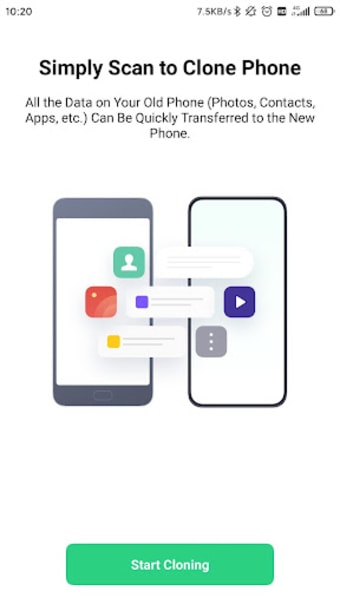
OPPO Clone Phone is a free file transfer mobile app that enables you to easily and safely transfer all of your data from your old phone to your new phone. Developed by ColorOS, this productivity tool is considered the OPPO mobile brand’s official phone-switching tool. It can work between two different mobile phone brands and even different mobile OS since you’ll be using a QR code for setting up the transferral.
Top Recommended Alternative

What is the Clone Phone?
OPPO Clone Phone is your typical file-transferring app. If you want to migrate your data to another device without a third-party device like a flash drive or memory card, you use this type of program to create a direct connection between the two devices. Some apps require both the old and new devices to be from the same brand or operating system. However, you won’t have to worry about that with this particular tool.
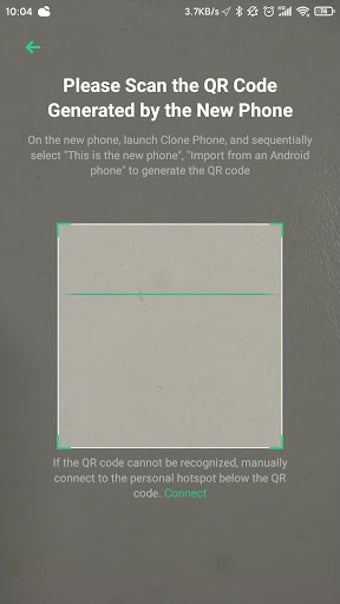
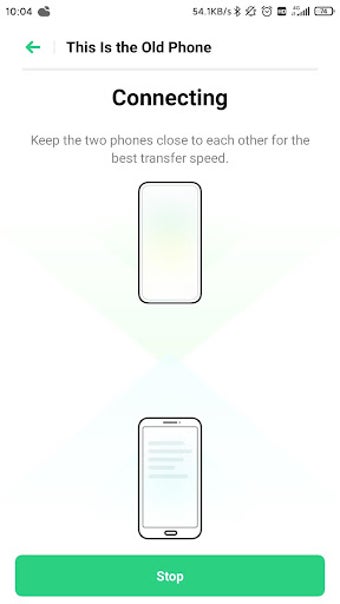
To set up, open the app on your OPPO phone and select what phone type it will be—whether it’s the new phone or the old one where the data will come from. The app will then generate a QR code for your other phone. With this, the two will be connected even without an internet connection or cable. The app will open up on the other phone, so scan the code again to start the transfer.
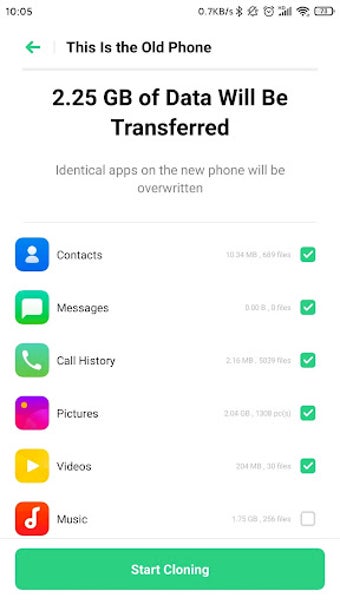
Despite being developed for Oppo-branded devices, the Clone Phone app also works with other Android smartphones from other manufacturers like OnePlus, Realme, and more. It can even work if you're migrating data from an Apple iOS device such as an iPhone. Speaking of, once you've established a connection, you can start selecting what type of data you want to have transferred over from your old phone.
Easier than you might think
One of the advantages of this utility tool is that it facilitates the migration process without needing a data connection, sparing you from using your data allowance. Instead, both devices just need to be on the same Wi-Fi network, which also allows for optimal transfer speeds. This process encompasses various data types, including contacts, messages, call history, photos, videos, audio, files, system application data, and installed apps.
Although the process appears straightforward, it is often unreliable. The app can be unstable and may not successfully transfer all the required files. Users frequently encounter issues such as non-functional icons, empty folders, and the app crashing repeatedly during the migration. Still, you should consider factors such as whether both phones are from OPPO or maybe a non-OPPO device has limited compatibility for the app.
Find another
Overall, the OPPO Clone Phone looks to be a handy tool with its versatility for any type of mobile brand or OS. However, that’s all there is to it, and once you operate it, it actually doesn’t deliver much of what it promises. It might even just corrupt some of your files if it keeps failing every restart of the process. You’re better off using other file transfer apps like MobileTrans or Send Anywhere.